




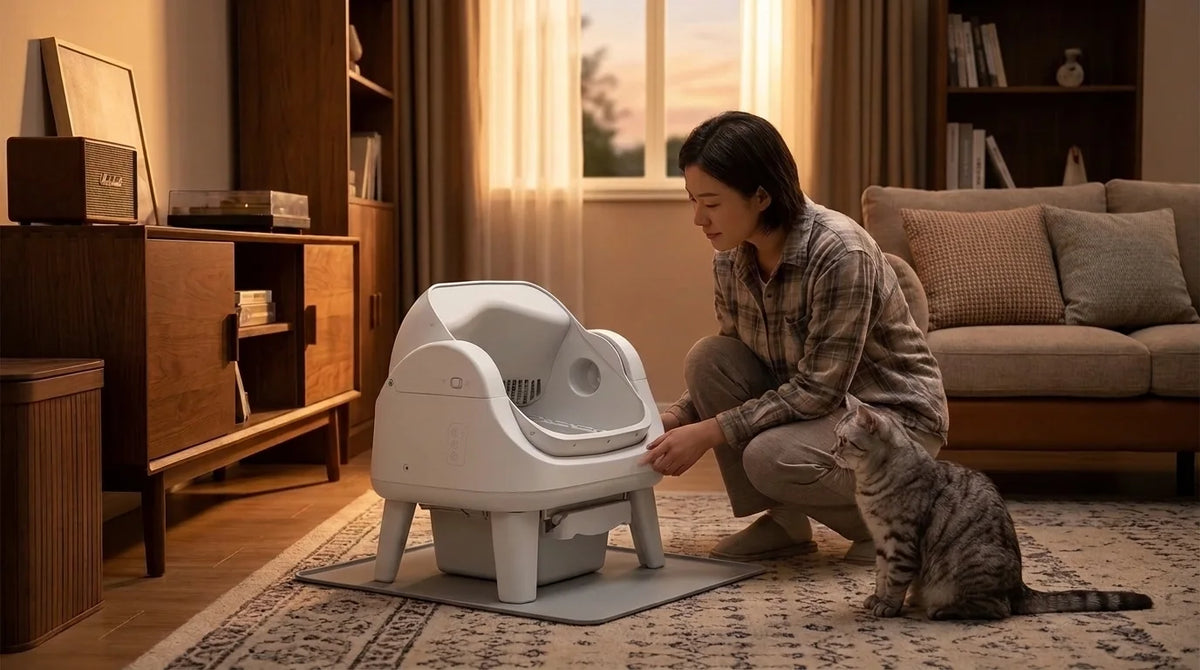
PetPivot Red Light Meaning: AutoScooper Indicator Lights Explained

Informazioni sull'autore
A red light on your PetPivot means the box has stopped to protect itself or your cat. Which light is red, and whether it's solid or blinking, tells you why. A red Clean light points to a blocked sensor or a full waste bin. Litter Added and Clean blinking together means the litter chamber isn't seated. A solid red ON/OFF light means the motor is jammed. Most of these clear in a few minutes. Find your light in the chart, do the fix, then restart the box. AutoScooper Indicator Light Chart Match the light on your control panel to the row below. Light Pattern What it means What to do ON/OFF Solid red Motor is jammed Remove the litter chamber, brush both gears clean, unplug, then reconnect and restart Litter Added + Clean Blinking red Litter chamber isn't installed correctly Set the chamber back on the base, seated and lined up Clean Blinking red An infrared sensor is blocked Remove the chamber and wipe every infrared sensor with a dry cloth Clean Solid red The waste bin sensor is blocked, or the bin is full Clear the bin area, empty the bin, unplug, then reconnect and restart Clean, with the chamber closed and stopped Blinking or solid red Waste bin is full Empty the bin One thing to know before you restart: unplugging the box sets it back to Auto mode. If you were running it in Manual mode, switch it back after the restart. Why Is My PetPivot Litter Box Red Light On? Most of the time it's the Clean light, and the cause is the bin or a sensor. A jammed motor or a loose chamber is less common, and the chart covers both. 1. The Waste Bin Is Full or Not Seated If the chamber stops in the closed position and Clean turns red, the bin is full. Empty it, fit a fresh bag, and push the bin all the way in. Keep the bag's edge tucked down, since a loose flap can sit right over the bin sensor and keep the light on. On the 12 Lite, plan to empty the bin about every 5 days, and no later than 7. 2. A Sensor Is Blocked A blinking red Clean light means an infrared sensor can't see clearly. Litter dust is the usual reason. A box pushed tight against a wall can also block a sensor. Owners say the sensors are easy to miss. One owner cleaned the three under the chamber and still had the red light, then found two more down near the waste bin. Check them all. For other problems not tied to the lights, see our AutoScooper troubleshooting guide. Red Light Stays On After You Empty the Bin If the bin is empty and the light is still red, the sensors need more than a quick wipe. 1. Unplug the box. Always do this before you reach inside. 2. Remove the litter chamber. This gives you a clear view of every sensor. 3. Find every sensor. Look under the chamber and down by the waste bin. 4. Look for a cloudy or purple film. Ammonia from urine can coat the sensor windows over time, and a dry cloth won't lift it. 5. Clean off the film. Owners had success with a paste of baking soda and water, left on for about 5 minutes, then scrubbed off with a soft brush. Use a plastic edge, never metal. 6. Dry, reconnect and restart. Let everything dry fully, plug back in, and run a test with no cat inside. Don't mix your cleaners Never use bleach wipes and vinegar on the same spot. Health officials warn that bleach mixed with an acid such as vinegar gives off chlorine gas, and bleach mixed with the ammonia in urine makes toxic chloramine gas. PetPivot's support team recommends a deep clean at least once a month, with the sensors included. That keeps the film from building up again. Red Light With the Drum Stuck Upside Down This is the version that worries owners most. A red Clean light while the chamber is stuck turned over usually means a sensor tripped partway through the cycle. Keep your cat away and unplug the box. Then work through the sensor cleaning steps above before you restart it. If the ON/OFF light is the one that's red, the motor is jammed instead. Lift off the chamber, brush the gear on the chamber and the gear on the base unit, then reconnect. Red Light on a Brand New PetPivot A red light on day one is almost always setup, not a fault. Run through this list. Chamber: seated on the base and lined up. Litter Added and Clean blinking red together means it isn't. Waste bin: pushed in until it sits flush. Bag: edge tucked down and clear of the sensors. Space: a few inches clear on every side, away from walls. Restart: unplug, reconnect, and let it start up. Still red after all five? Stop running cycles and contact support. Setting up the AutoScooper 12 Lite for the first time? The quick start steps cover each part in order. When to Contact PetPivot Support If you've followed the steps for your light and it's still red, contact customer service through the store you bought from, or email support@petpivot.com. Reach out sooner if the light comes back within days of a deep clean, or the motor grinds. Your order number, so the team can check your model and warranty. A photo of the control panel, showing which light is red. A short video of the box from power on to the stop. The PetPivot user guide also has setup steps and care tips for each model. FAQs Why is the red light on my PetPivot? Usually the waste bin is full or a sensor is blocked. Empty the bin, wipe every infrared sensor with a dry cloth, then unplug and restart. A red ON/OFF light means the motor is jammed. What does a flashing red light mean on my PetPivot? A blinking red Clean light means an infrared sensor is blocked. If Litter Added and Clean blink red together, the litter chamber isn't seated properly on the base. Why is my PetPivot red light on when the bin isn't full? A sensor might be covered by either dust, the edge of a bag, or even a film created by urine. You may want to take out the chamber and check sensors both on the machine and on the bin. How do I reset the red light on my PetPivot? First, correct the problem, unplug the device, plug it in and reboot. It will automatically switch itself into the Auto mode, so change it to the Manual mode. Why does my new PetPivot show a red light? It's usually setup. Make sure the chamber is in place and correctly positioned, the bin is pressed in all the way, the bag is not covering any sensors, and the box has room away from the wall. Why are two lights blinking red on my PetPivot? When Litter Added and Clean blink red, it indicates that there is an installation problem with the litter chamber. Simply remove it, put it back into its place, and align it. Why does the red light keep coming back after cleaning? It could be that a film from urine is still stuck on the sensors, or a sensor was not cleaned. Clean all of them thoroughly. In case the red light reappears within a few days, get in touch with support. When should I contact PetPivot support? In case the light remains red even after following the procedures mentioned for your light, the light turns red soon after performing a thorough cleaning, or if the motor grinds. Provide us with your order number, picture, and a short video.
AutoScooper Indicator Light Chart

|
Light
|
Pattern
|
What it means
|
What to do
|
|
ON/OFF
|
Solid red
|
Motor is jammed
|
Remove the litter chamber, brush both gears clean, unplug, then reconnect and restart
|
|
Litter Added + Clean
|
Blinking red
|
Litter chamber isn't installed correctly
|
Set the chamber back on the base, seated and lined up
|
|
Clean
|
Blinking red
|
An infrared sensor is blocked
|
Remove the chamber and wipe every infrared sensor with a dry cloth
|
|
Clean
|
Solid red
|
The waste bin sensor is blocked, or the bin is full
|
Clear the bin area, empty the bin, unplug, then reconnect and restart
|
|
Clean, with the chamber closed and stopped
|
Blinking or solid red
|
Waste bin is full
|
Empty the bin
|
Why Is My PetPivot Litter Box Red Light On?
1. The Waste Bin Is Full or Not Seated

2. A Sensor Is Blocked
Red Light Stays On After You Empty the Bin
-
1. Unplug the box. Always do this before you reach inside.
-
2. Remove the litter chamber. This gives you a clear view of every sensor.
-
3. Find every sensor. Look under the chamber and down by the waste bin.
-
4. Look for a cloudy or purple film. Ammonia from urine can coat the sensor windows over time, and a dry cloth won't lift it.
-
5. Clean off the film. Owners had success with a paste of baking soda and water, left on for about 5 minutes, then scrubbed off with a soft brush. Use a plastic edge, never metal.
-
6. Dry, reconnect and restart. Let everything dry fully, plug back in, and run a test with no cat inside.
|
Don't mix your cleaners
Never use bleach wipes and vinegar on the same spot. Health officials warn that bleach mixed with an acid such as vinegar gives off chlorine gas, and bleach mixed with the ammonia in urine makes toxic chloramine gas.
|
Red Light With the Drum Stuck Upside Down
Red Light on a Brand New PetPivot
-
Chamber: seated on the base and lined up. Litter Added and Clean blinking red together means it isn't.
-
Waste bin: pushed in until it sits flush.
-
Bag: edge tucked down and clear of the sensors.
-
Space: a few inches clear on every side, away from walls.
-
Restart: unplug, reconnect, and let it start up.
When to Contact PetPivot Support
-
Your order number, so the team can check your model and warranty.
-
A photo of the control panel, showing which light is red.
-
A short video of the box from power on to the stop.
FAQs
Why is the red light on my PetPivot?
What does a flashing red light mean on my PetPivot?
Why is my PetPivot red light on when the bin isn't full?
How do I reset the red light on my PetPivot?
Why does my new PetPivot show a red light?
Why are two lights blinking red on my PetPivot?
Why does the red light keep coming back after cleaning?
When should I contact PetPivot support?




You may also like

Lettiera per gatti AutoScooper 11 - Bianco

Lettiera per gatti AutoScooper 11


Base per lettiera AutoScooper 11 – Confezione da 2


Further reading
PetPivot Red Light Meaning: AutoScooper Indicator Lights Explained
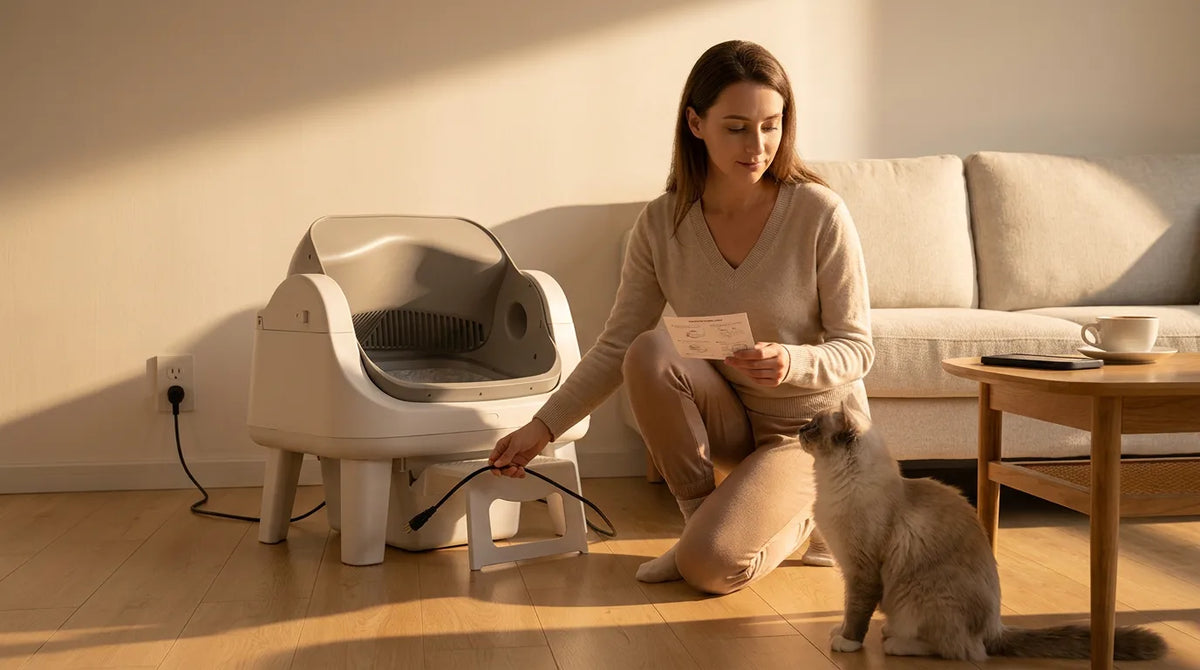
PetPivot Litter Box Stuck Upside Down? How to Reset AutoScooper 11 and 12
Cat Diarrhea in the Litter Box: What to Check at Home and When to Call the Vet
